
ALL THIS for just
R$147,90
Understand what Figma Make is and how it is changing the role of the designer
Create professional websites and interactive experiences
Build high-level projects with structure, responsiveness and logic
Develop and organize design systems and reusable components
Understand and edit generated code
Publish and share your projects securely
Understand how to SAVE TOKENS and work with MAKE KITS
Integrate AI and plugins to accelerate your productivity
Create a portfolio, dashboard and app from scratch, in practice!
//
Content
What you will learn
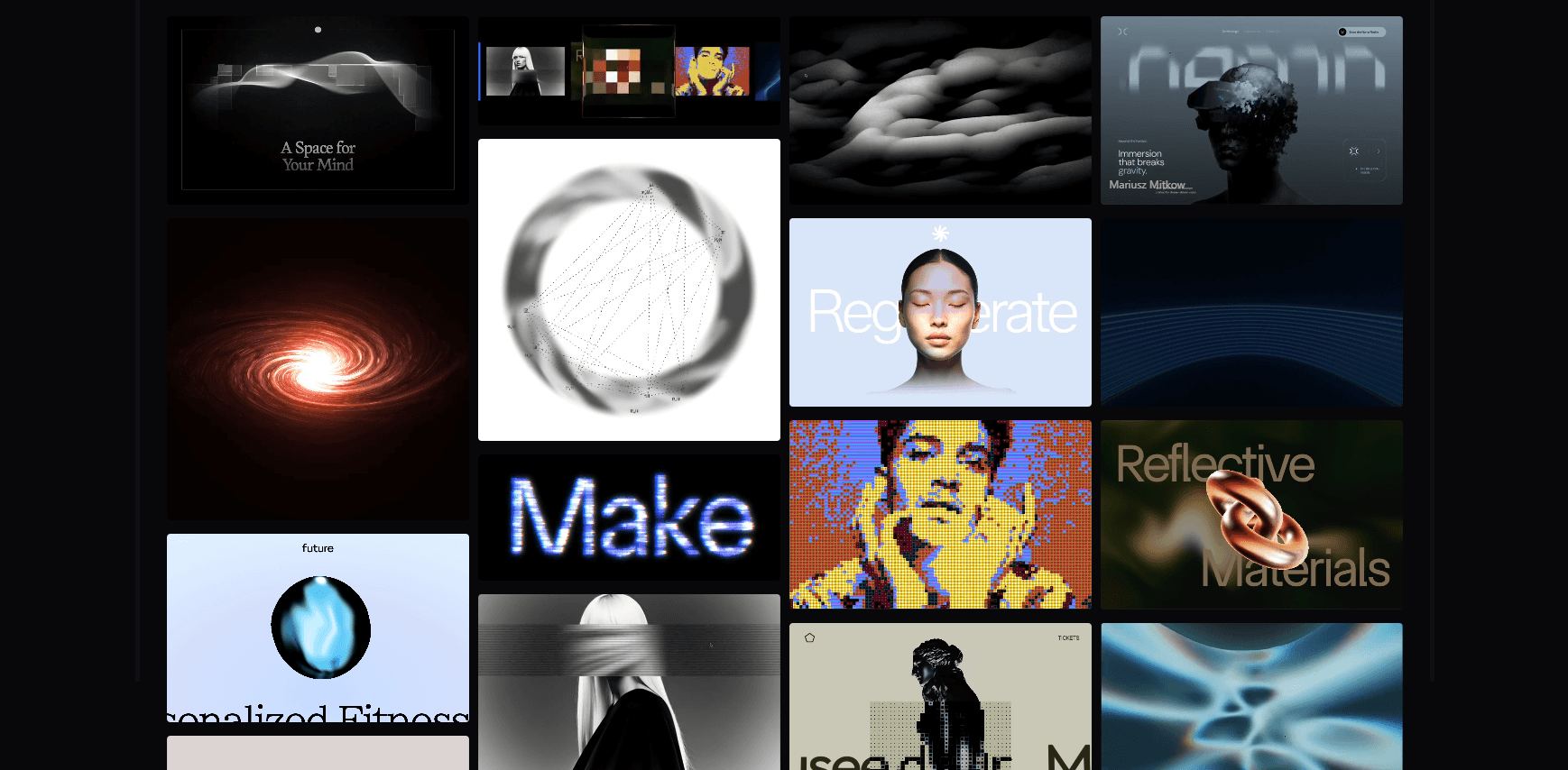
High-level hero sections
Impactful hero sections with typography, effects, 3D, gradients, and entrance animations.

Videos directly in code
Video integration as backgrounds, components, and impressive effects.
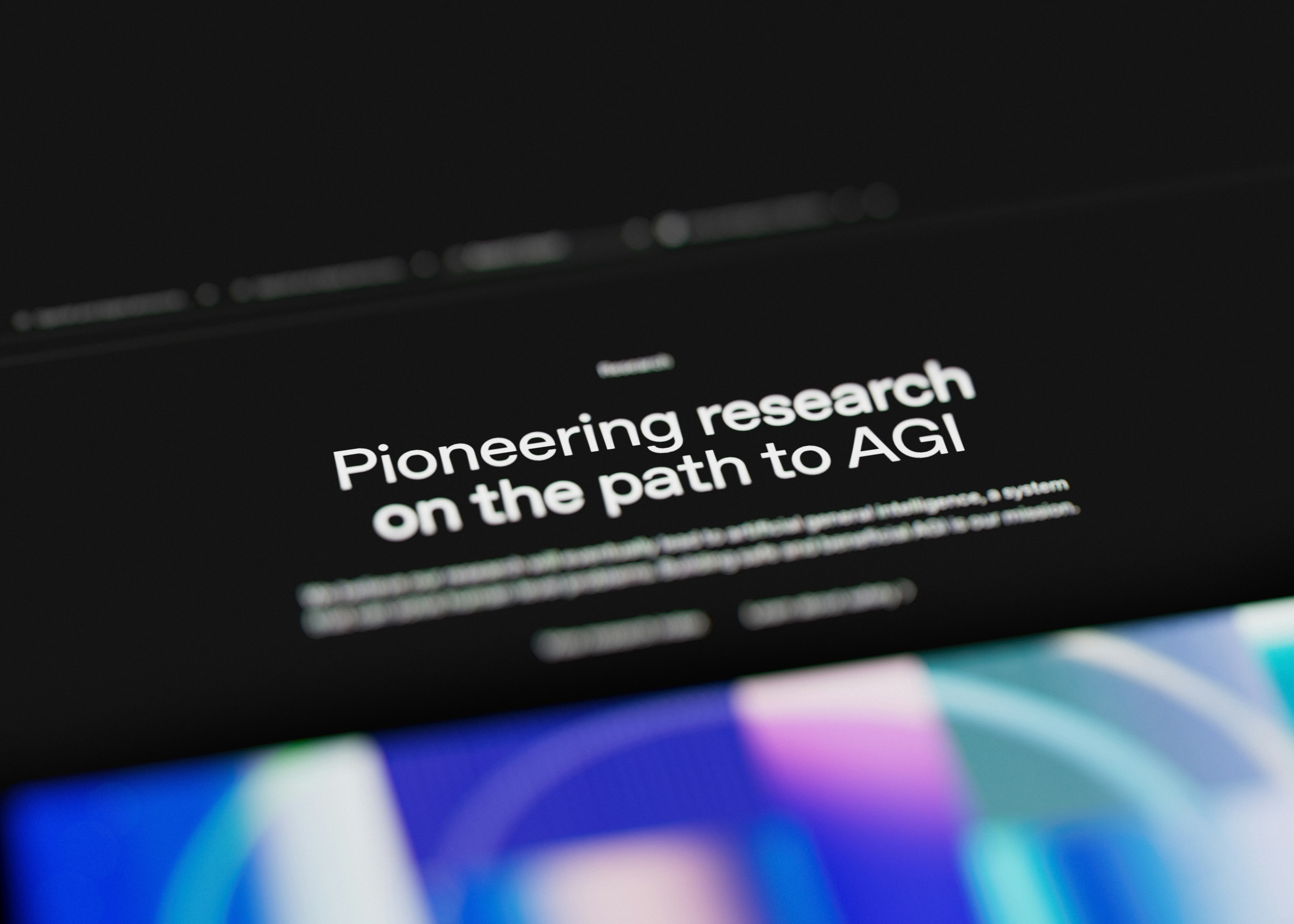

Complete websites
Complete multi-page sites with navigation, responsiveness, and automated deployment.
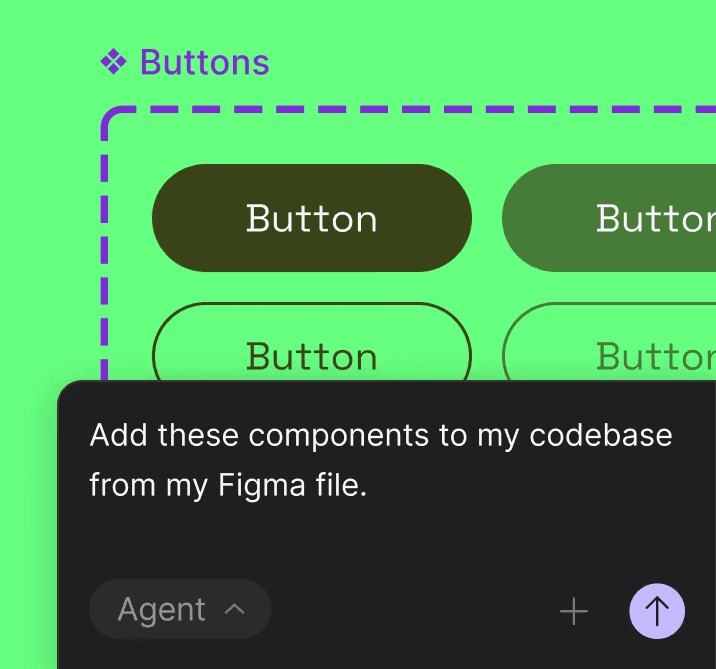
MCP
MCP (Model Context Protocol) integration with external tools and Figma Design.

Slides & materials
Workshop presentations in slide and PDF format for reviewing the content.
Products
Functional MVPs with real logic, complex states, and backend integrations.

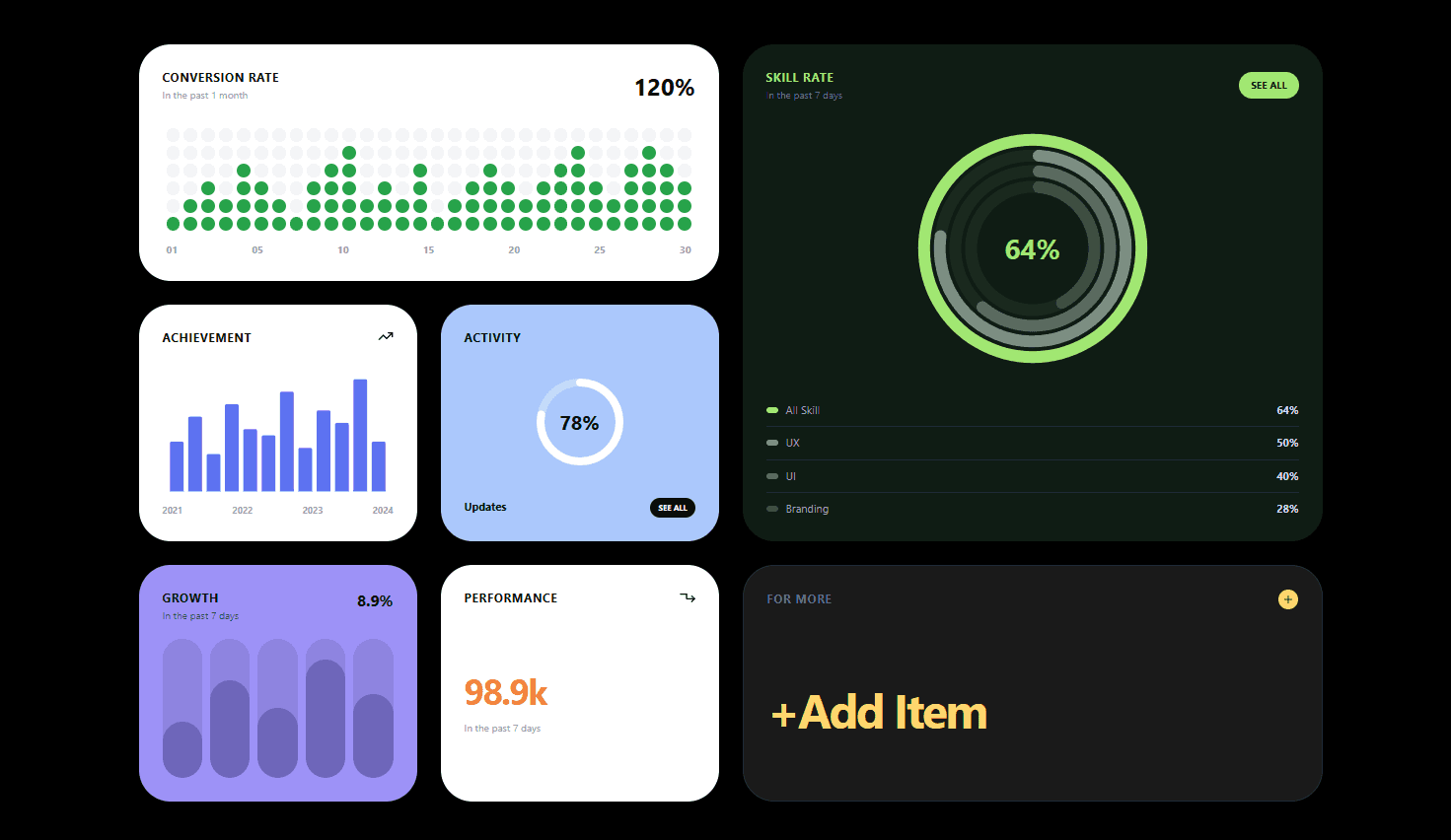
Dashboards
Metrics dashboards with interactive charts, dynamic filters, and dark mode.
Templates & components
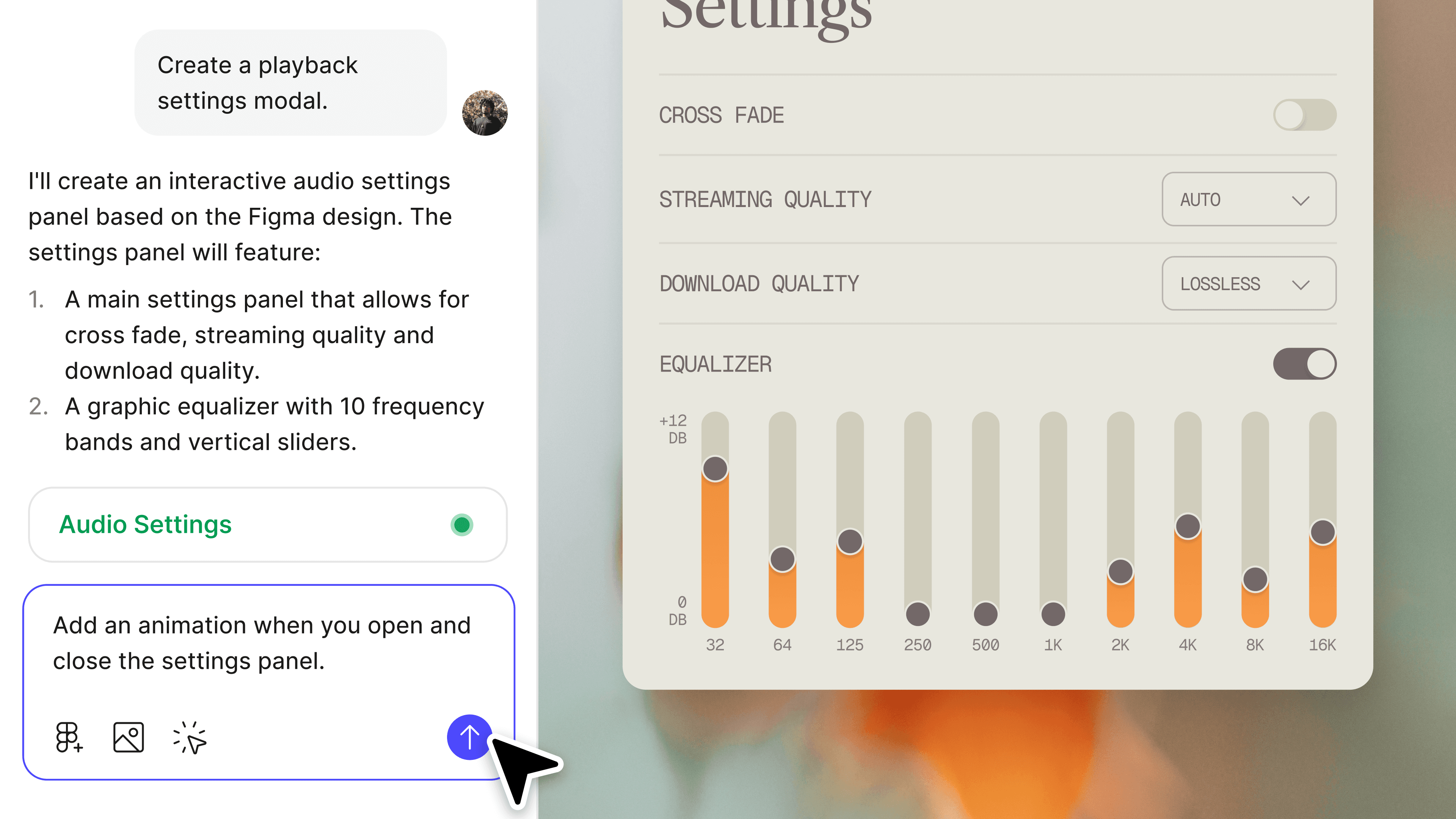
Production-ready reusable templates with an integrated design system.
Presentations
Interactive presentations with transitions, content, effects, and visual storytelling.
Integrations & possibilities
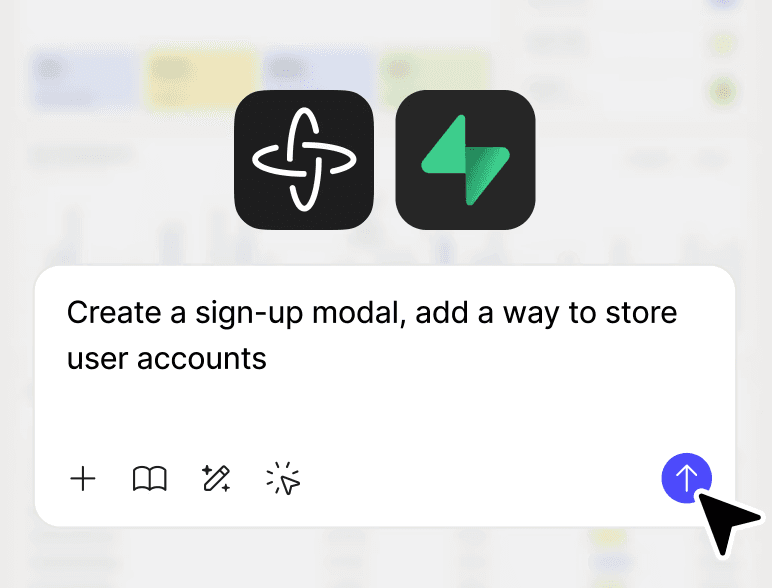
Connections to APIs, Supabase, databases, and external services directly in code.
Do I need to know how to code to participate?
No. The course was designed for designers without assuming technical coding knowledge. You’ll understand what Figma Make generates, but you don’t need to be a developer. The focus is visual creation with technical autonomy.
Do I need Figma experience?
Preferably. This course assumes basic familiarity with Figma — creating frames, using components, and navigating the interface. If you’ve never used Figma, I recommend practicing the basics after watching.
Is Figma Make paid? Do I need a specific plan?
Figma Make is available on paid Figma plans. I recommend having an active student or full account before the workshop. If you don’t, Figma’s free access is enough to experiment and test.
Will I be able to create real projects right after the course?
Yes — that’s the goal! You’ll leave the course with published projects, ready-to-use files, and a foundation for creating any product with Figma Make or similar AI tools.